

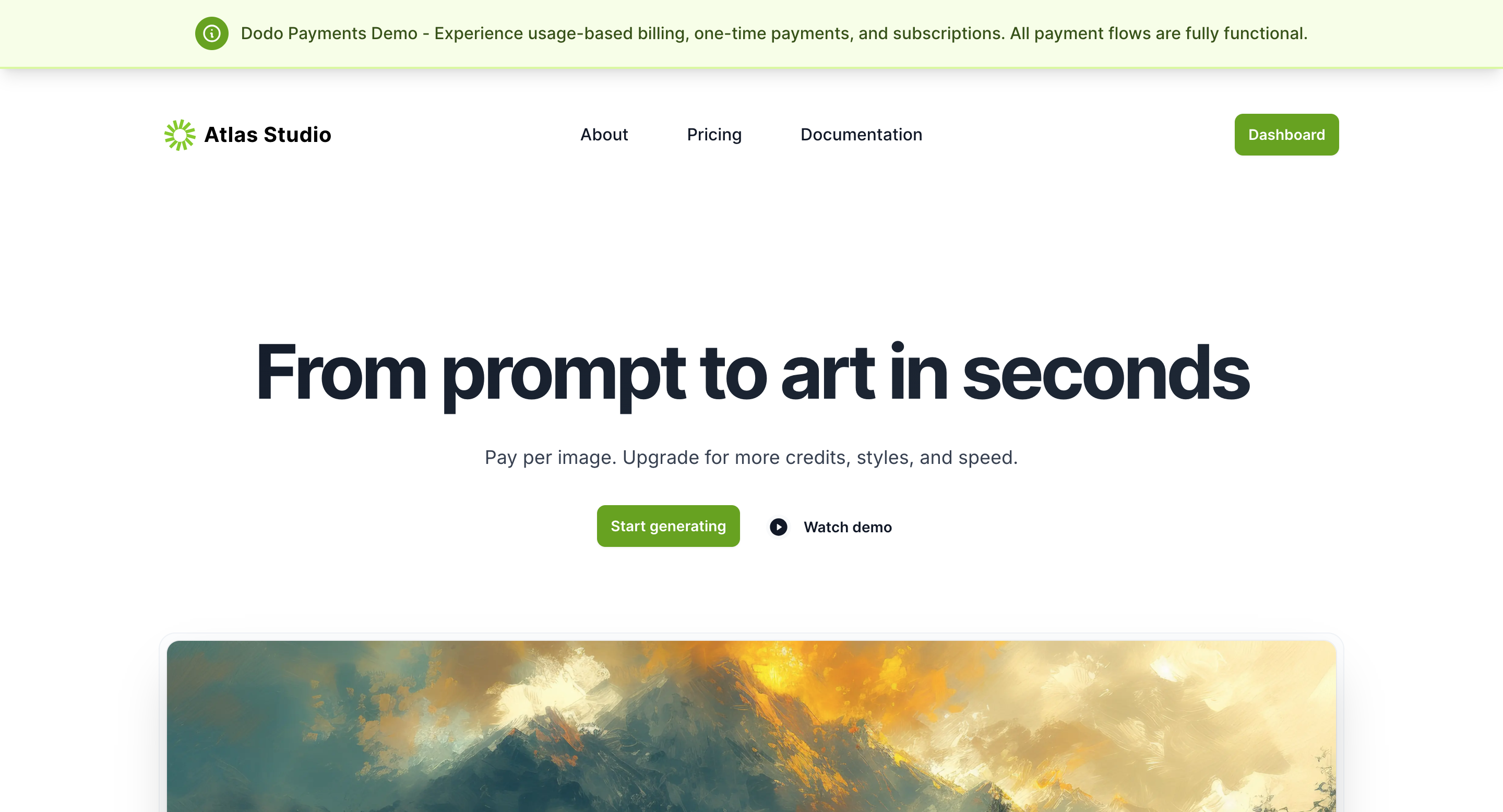
Live Demo: Visit atlas.dodopayments.com to explore the platform and test every billing flow.
Overview
Atlas simulates an AI art generation platform where users create images from text prompts. Its Pricing page offers four plans, each a different billing model:- Starter Credits (prepaid credits): $10 for 10 credits that never expire.
- Credit Pack (credit-based subscription): $10 per month for 25 credits per month, with 50% credit rollover and low-balance alerts.
- Unlimited Pro (subscription): $20 per month for unlimited image generation.
- Special Downloads (one-time purchase): $12 for a pack of 12 artworks.
Purchase Flows
The three flows follow the same pattern. Each one uses a different billing model and product type.- Credit-Based Billing
- Subscription
- One-Time Purchase
1
Select the Credit Pack
On the Pricing page, click Buy credits on the Credit Pack plan ($10 per month for 25 credits). Each image a customer generates uses credits from a monthly allowance, and unused credits partly roll over.
2
Sign In or Continue as a Guest
Atlas asks whether to sign in, which saves the purchase to an account, or to continue as a guest.
3
Complete Checkout
The checkout process includes:
- Branded checkout page: The Dodo Payments checkout page shows the merchant’s brand name and logo.
- Customer information: The customer enters their details and billing address.
- Tax calculation: Tax is calculated after the customer confirms their address.
- Payment: The customer enters test card details to complete the transaction.
4
View Confirmation
After the payment succeeds, Atlas confirms the purchase. A signed-in user goes to the dashboard. A guest sees a payment summary with the plan and payment status.
5
Access Dashboard
Signed-in users land on the Atlas Studio dashboard, which shows the credits left this month and deducts credits as they generate artwork.
Post-Purchase Dashboard Experience
The Atlas Studio dashboard shows how to build billing-aware features after checkout: it reads what the customer bought and unlocks the matching access.Dashboard Features
- Immediate access: Users start generating artwork right after the purchase.
- Usage tracking: The dashboard shows the credits left on credit plans, or unlimited status on Unlimited Pro, next to the images the user generated.
- Plan status: The dashboard names the active plan, such as Unlimited Pro (Subscription) or Credit Pack (Credit-Based).
- Return to your app: The flow shows how to send customers back to your application after checkout and grant the access they paid for.
The dashboard follows good practice for post-purchase flows: it verifies the purchase before it grants access, and it shows usage in the app.
Technical Implementation
Atlas is a Next.js application. Its route handlers call the Dodo Payments API directly, for examplePOST /checkouts to create a checkout session, and the dodopayments-checkout package opens checkout as an overlay or inline on the page. To build the same flows with a typed client, use the Dodo Payments TypeScript SDK.
Integration Guide
Integrate Dodo Payments checkout flows into your application.
TypeScript SDK
TypeScript SDK documentation and API reference.
Open Source
Atlas is open source. Read the code to see how each billing flow is implemented in a real application.View on GitHub
Browse the Atlas source code.