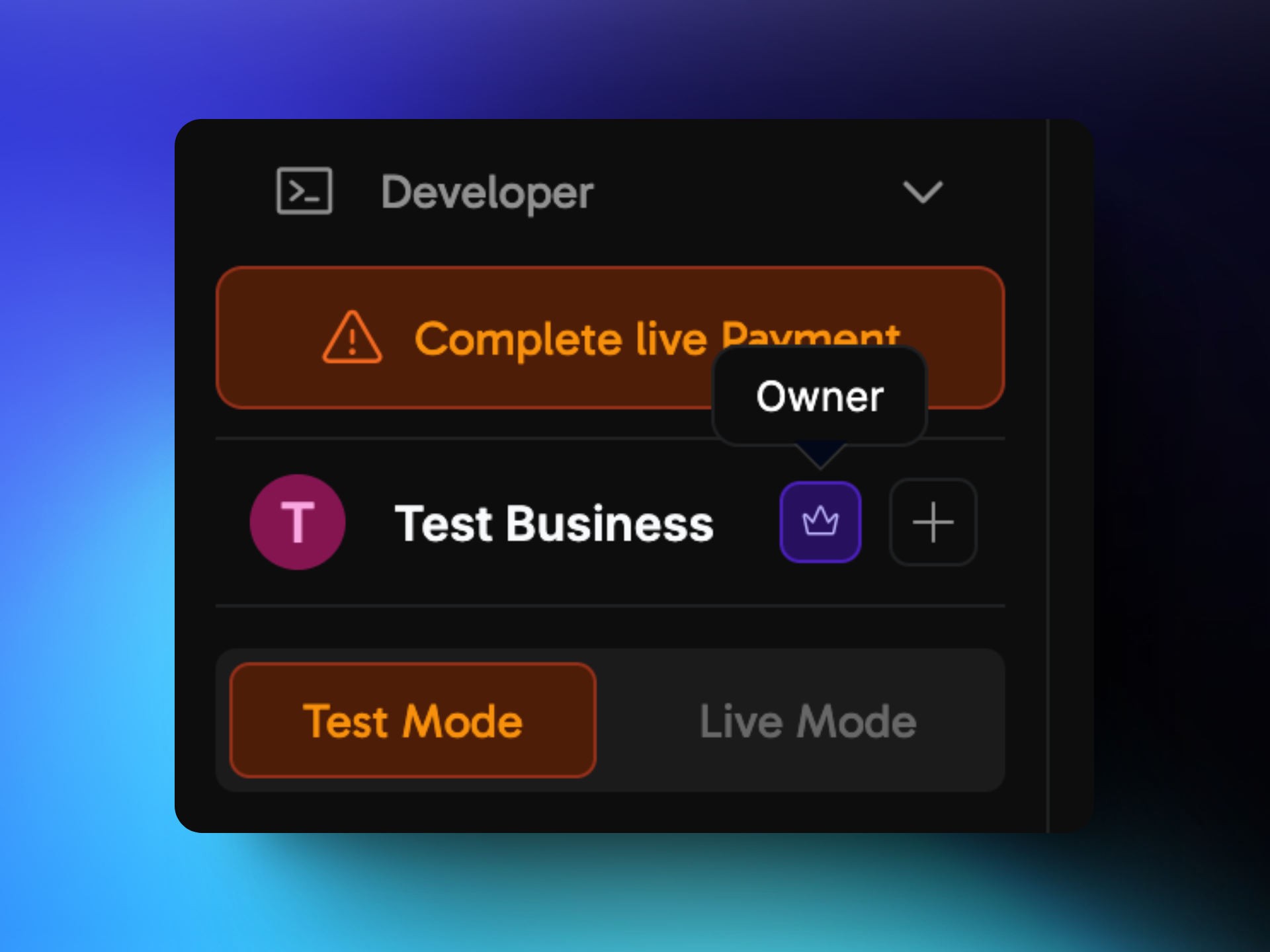
How to Add a Teammate?
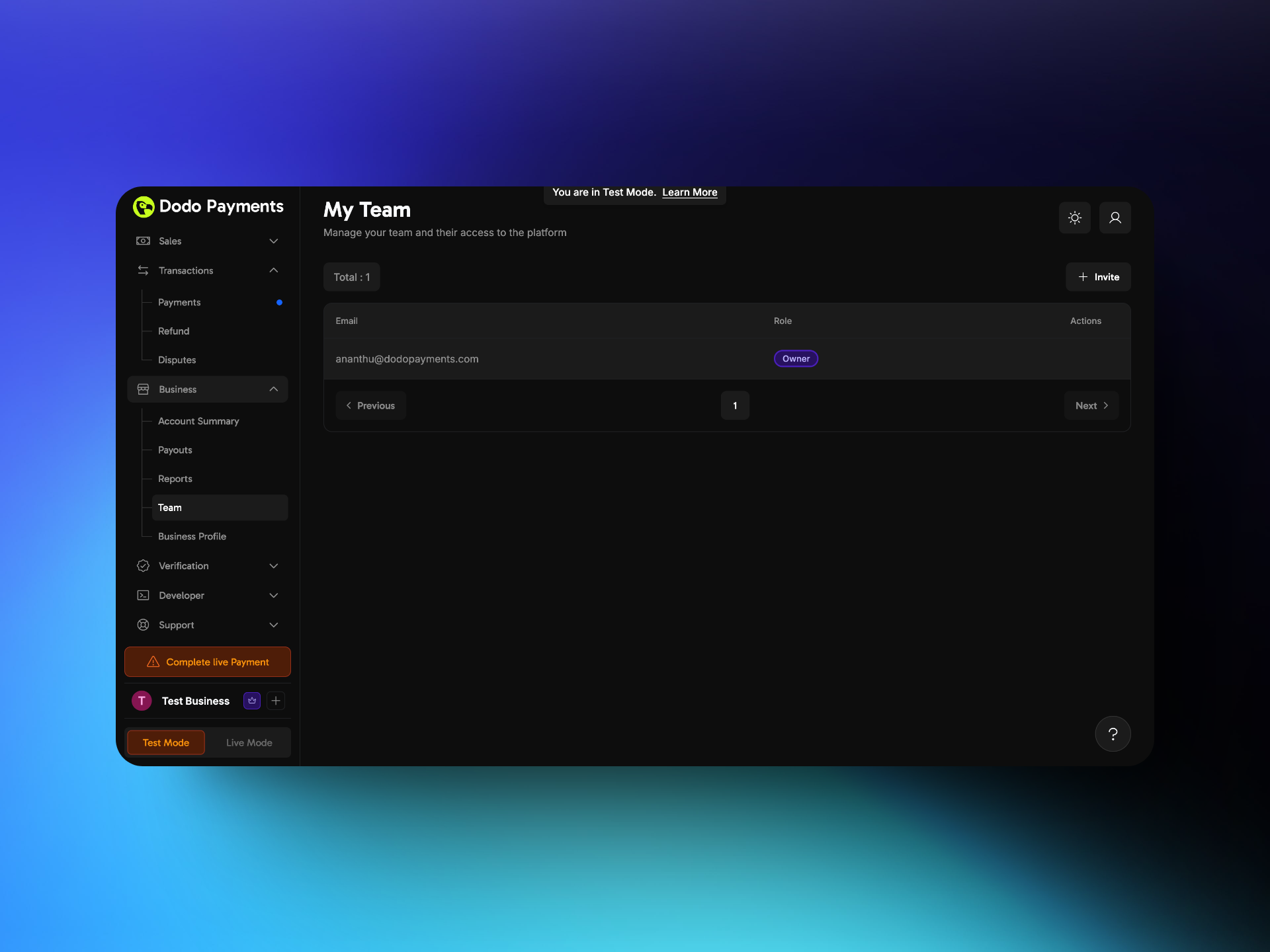
- Go to Settings → Team.
- Click Invite in the top-right corner.
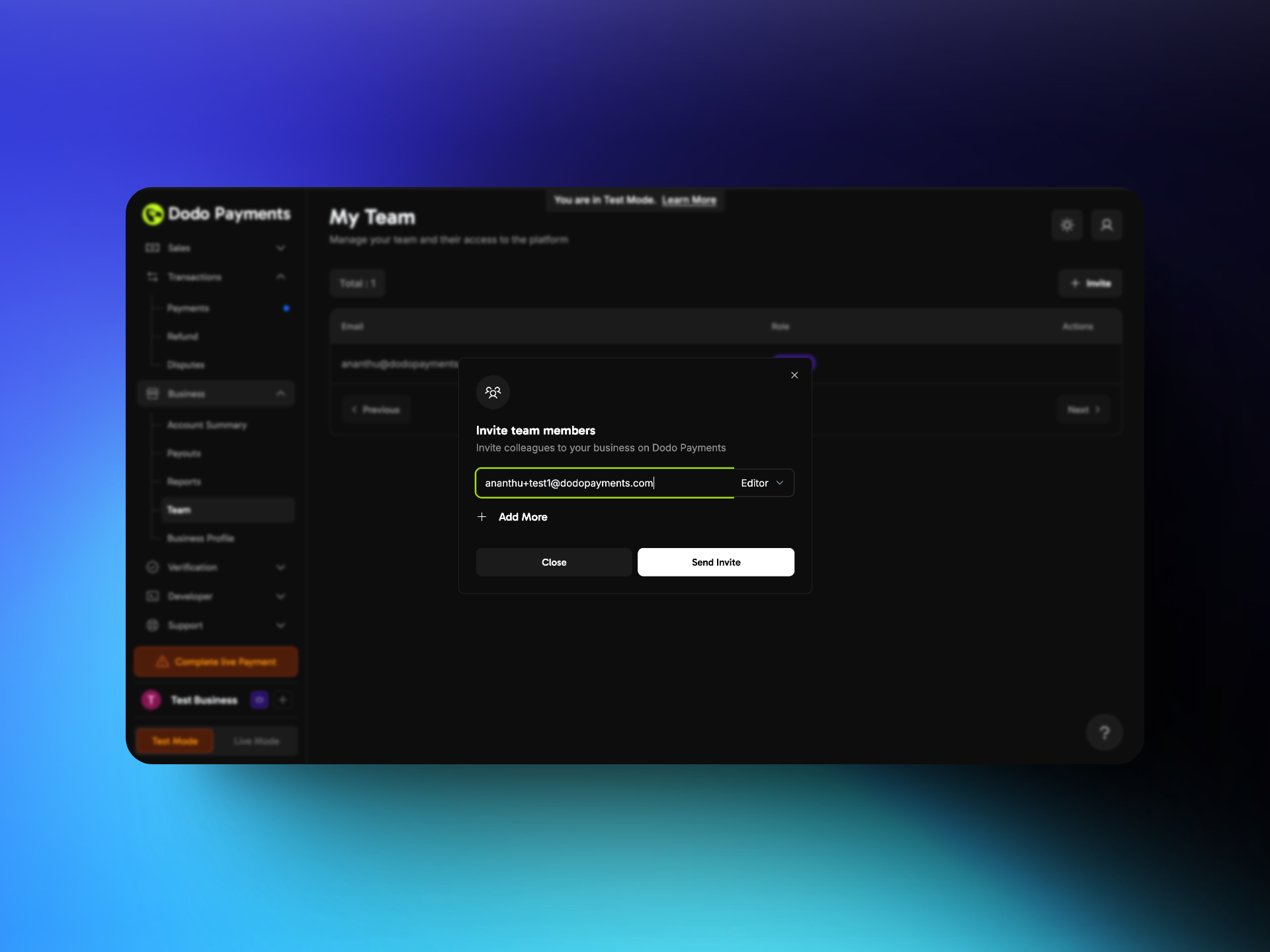
- Enter the teammate’s email address and select a role: Editor or Viewer. To invite up to five people at once, click Add More.
- Click Send Invite.
How Can a Teammate Access the Dashboard?
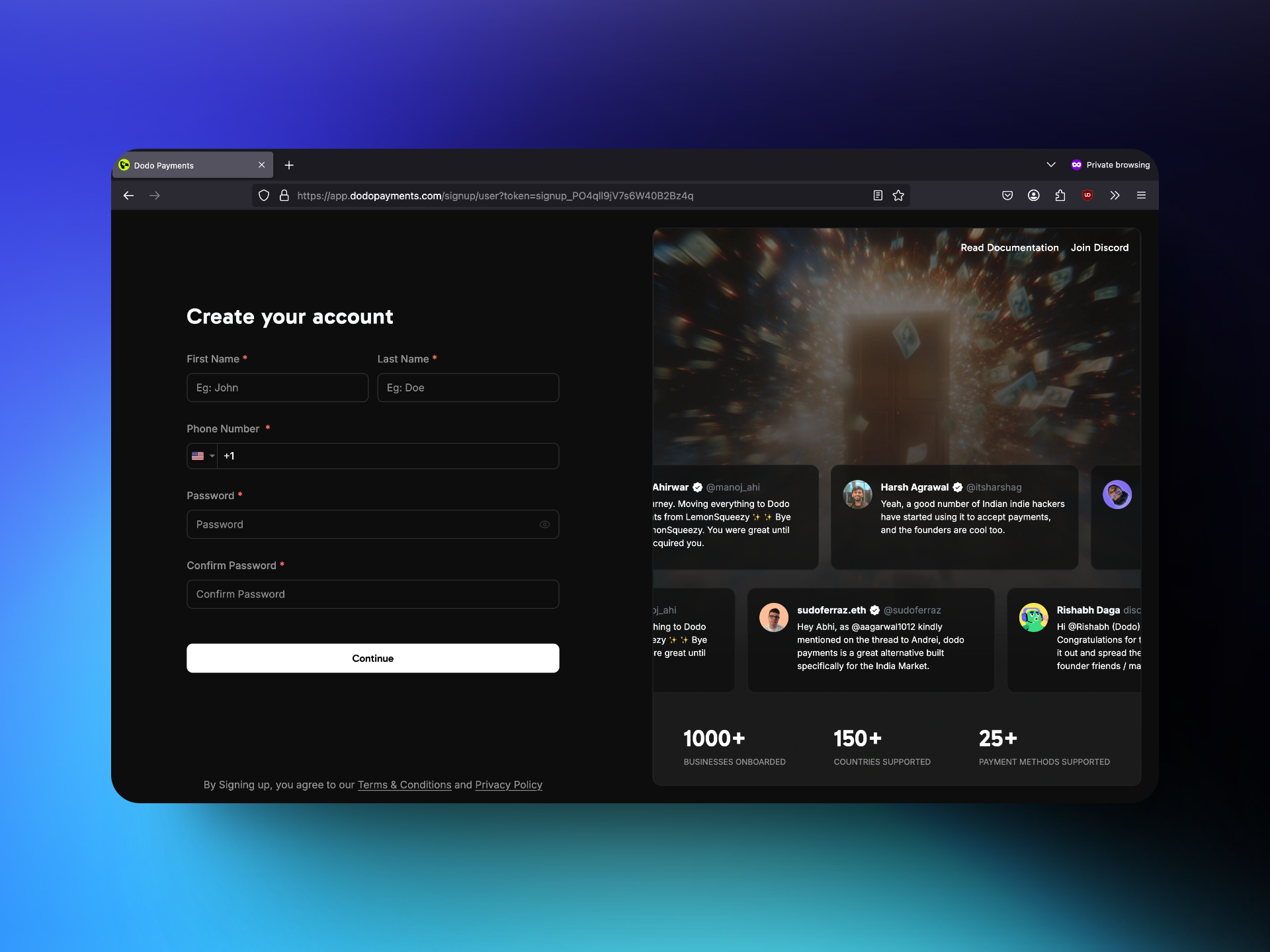
- The teammate opens the invitation email and clicks the link.
- A teammate without a Dodo Payments account goes to the signup page and creates one. A teammate who already has an account opens the business from the business switcher at the top of the sidebar.
- After signup, the teammate can use the dashboard with the assigned role.
Roles and Permissions